Vault
GUARD YOUR INFO
Loading audio…
Press play to listen along. The line being read lights up as you go.
Show full transcript
Loading transcript…
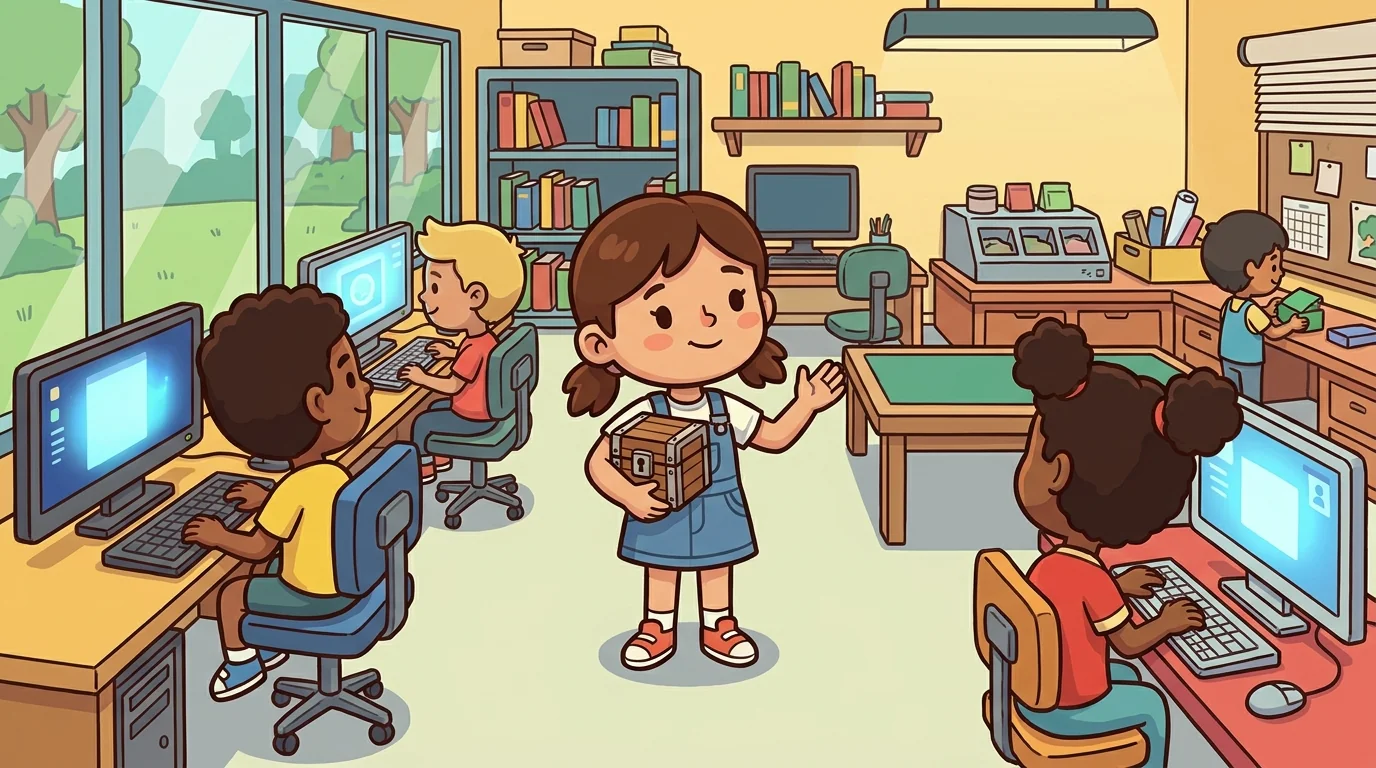
At the LifeQuest workshop, where kids learn the skills grown-ups use, Vault was a watchful, easygoing kid who carried a small locked box — and treated her personal information the way she treated anything valuable: kept it safe, and took it out only when there was a real reason.
When someone was about to type their full name, address, or weekend plans into some random online box, Vault raised a hand. "Hold on — does this actually belong in the share pile?" She wasn't scared of the world; she was in charge of her own information. Some things stay locked, some things you share, and the skill is deciding which — on purpose, not by accident.
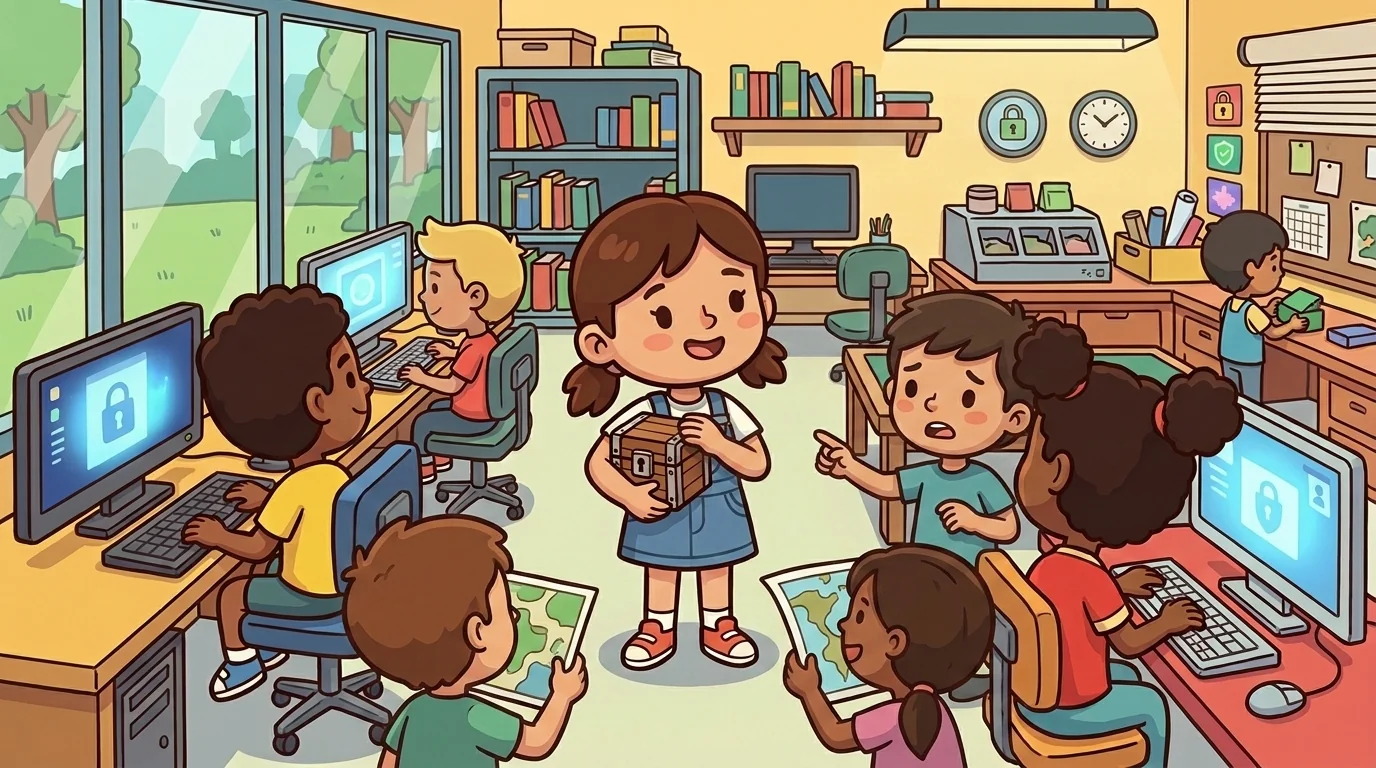
"You stopped me before I typed my home address into that thing — I didn't even think!" a learner said.
"Almost nobody does, which is the whole point," Vault said, patting the box. "I keep the digital privacy: some things stay in the vault. Your personal information — the kind that identifies you, like full name, address, passwords, where you'll be — is valuable, so keep it locked unless there's a real reason. Strong, unique passwords. Think before you post. And always know who's actually asking, and why."
Steward, the warm mentor, said, "Show them the password trick."
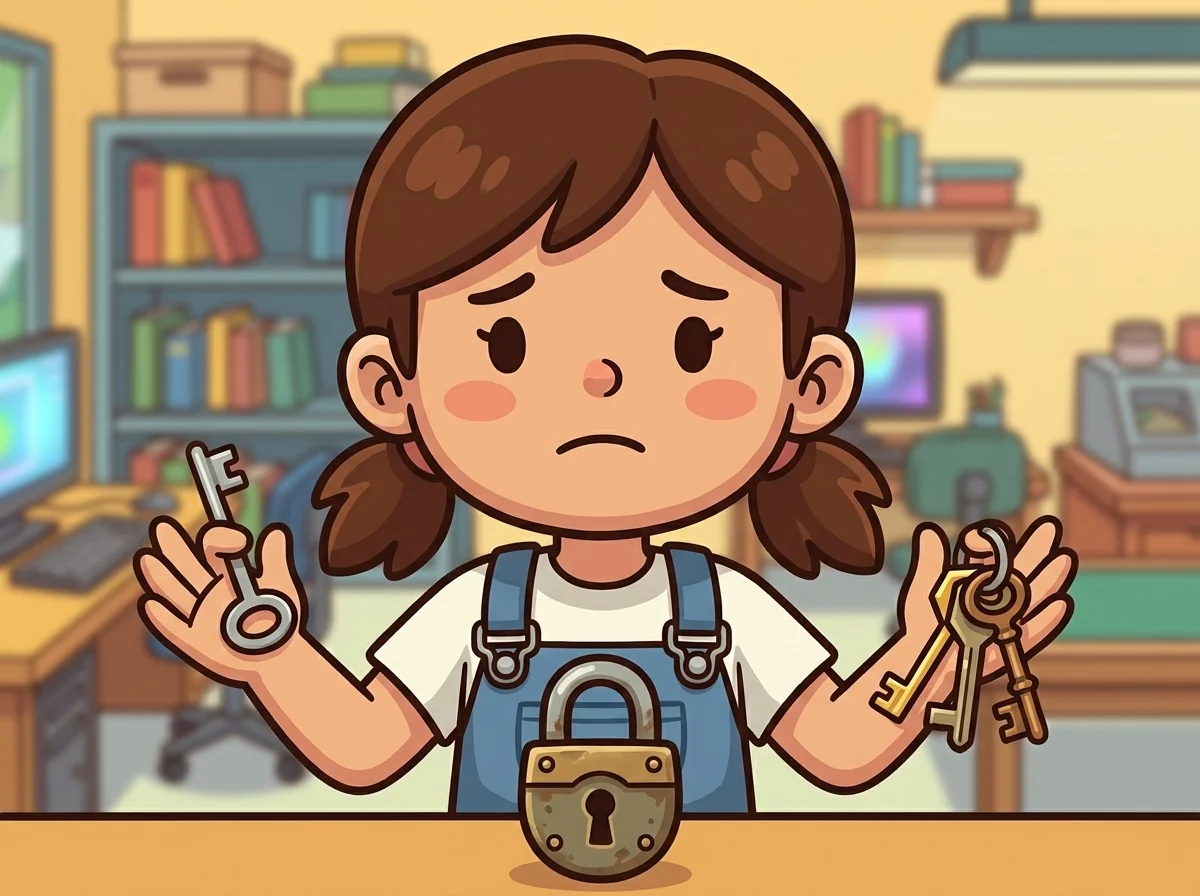
Vault demonstrated. She made one easy password and reused it everywhere. "If someone learns this one, they hold every door I own — that's why reused passwords are dangerous: one breach unlocks your whole life." Then she showed strong, unique passwords — a different key per lock, kept in a password manager. "Now one lost key opens exactly one door, nothing more." Then a "who's asking?" check: a message demanding her details right now, heavy with pressure. "That urgency is a red flag. It's called social engineering — pressure and panic are used to stop you thinking, because a scam needs you not to pause. Real requests rarely rush you and scare you."
A learner asked, "But isn't the internet just dangerous?"
"It's not about fearing everything," Vault said, warm. "Fear makes you freeze. Being in charge keeps you calm. Most of the internet is fine. You keep the valuable things locked, use strong unique keys, and pause when something pressures you. And remember data is permanent — a post can be copied and travel far past where you put it, long after you'd take it back. That's not living scared; that's living steady. And if anything online makes you uneasy, tell a grown-up you trust — that's a smart move, not a babyish one."
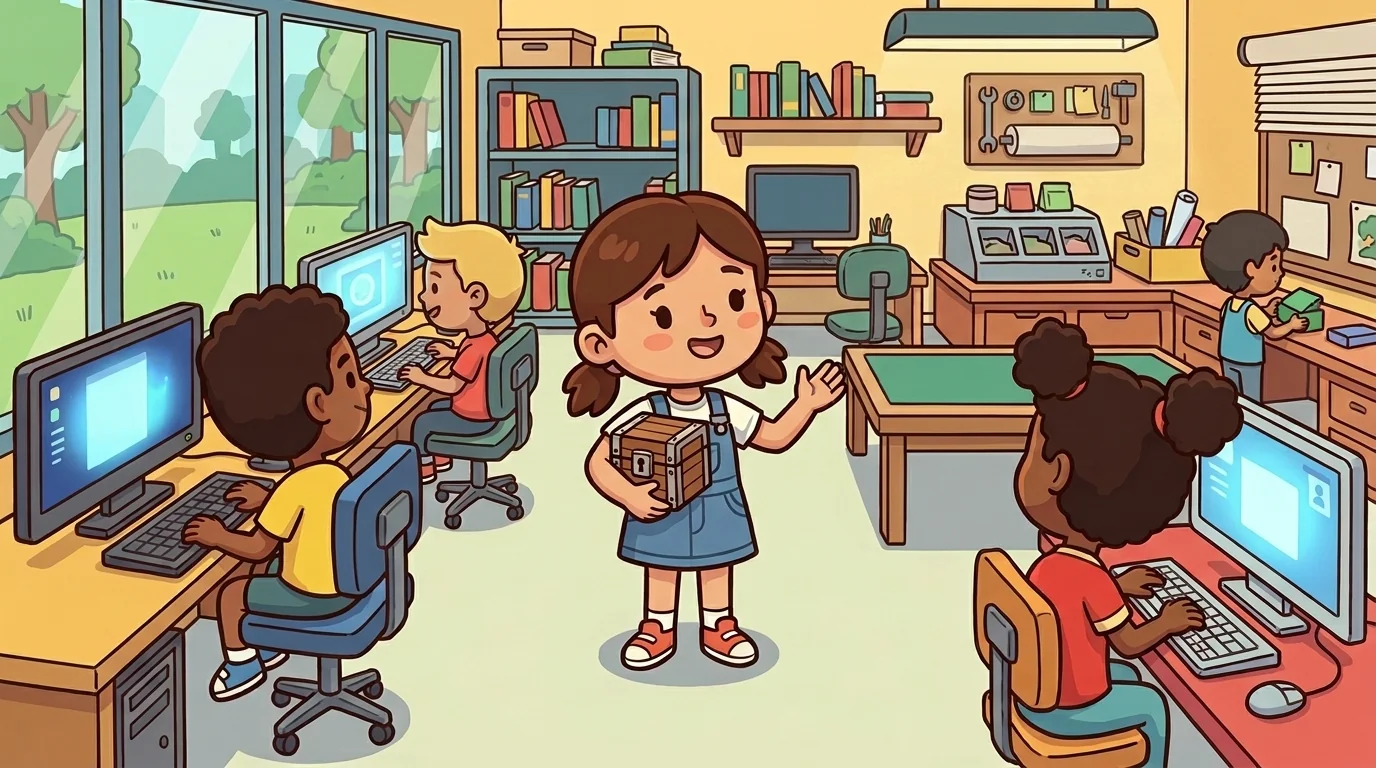
Steward asked Vault to teach before a project that used online tools. "Spot is brilliant at catching scams," Steward said, "but the kids also just hand out their information without realizing it's worth guarding. Will you teach them to keep the vault locked?"
Vault was glad to. Her rule was three questions: "Before you share personal information, ask — Who's asking? Why do they need it? And is this a safe place to put it? Use strong, unique passwords so one lost key doesn't open every door. Think before you post, because data spreads and lasts. And when something pressures you to share right now, that pressure is exactly the signal to slow down."
Spot, who could smell a scam a mile off but overshared personal details without a thought, tried it. She caught herself about to post exactly where she'd be that weekend. "I can spot a fake prize," Spot laughed, "but I was about to broadcast my schedule! Guarding the info I give away is a different skill from spotting the tricks people send." Two halves of staying safe, clicking together.
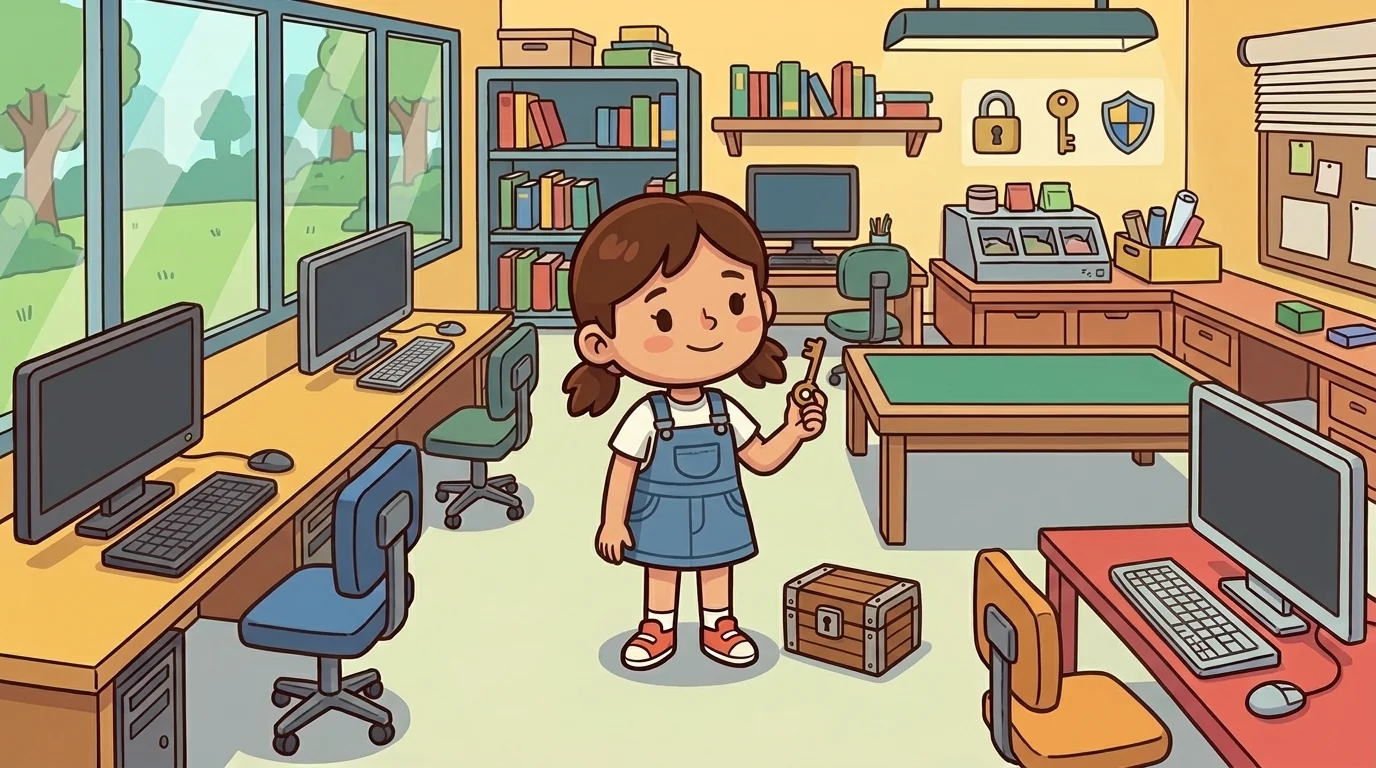
After the session, Vault sat turning her small key over in her fingers, the way she did when she was thinking.
For a long time she'd carried a worry: she taught caution, and wondered whether that made her the workshop's worrywart — the one who made a bright, exciting online world sound full of dangers. She didn't want to be the kid who made others afraid.
But turning her key, remembering Spot's laughing realization, Vault felt the worry ease into a calm, warm confidence. She wasn't teaching fear — she was teaching power. A kid who knows what to guard and what to share, who uses strong unique keys and pauses under pressure, isn't scared of the online world; she's steady in it, free to explore because she's in charge of what's hers. That steadiness is the opposite of fear, and giving it away was a real gift. A settled, easy warmth filled her, and she slipped the key back into her pocket, ready to help someone feel in charge tomorrow.
Hear it as an audio drama
A short play starring Vault, from LifeQuest. Different voices, same idea. Listen any time after you read.
Loading audio…
Read the drama script
- Narrator: From Spark and Anvil and LifeQuest — this is Vault, in chapter 1 of the LifeQuest cast.
- Narrator: This drama uses an AI-generated voice. Voiced via Gemini 2.5.
- Narrator: At the LifeQuest workshop, Vault was a watchful, easygoing kid who carried a small locked box.
- Narrator: She treated her personal information the way she treated anything valuable — kept it safe, took it out only for a real reason.
- Vault: I'm Vault. I keep the digital privacy — some things stay in the vault.
- Narrator: Personal information that identifies you — full name, address, passwords, where you'll be — is valuable. So you keep it locked unless there's a real reason to share.
- Vault: Strong, unique passwords. Think before you post. And always know who's actually asking, and why.
- Steward: Show them the password trick.
- Vault: One easy password reused everywhere means one lost key opens every door — a single breach unlocks your whole life. Strong, unique keys — a different one per lock, kept in a password manager — mean one lost key opens exactly one door.
- Vault: And watch for a message that demands your details right now, heavy with pressure. That urgency is a red flag — it's called social engineering, using panic to stop you thinking.
- Narrator: A learner asked if the internet was just dangerous.
- Vault: It's not about fearing everything — fear makes you freeze. Being in charge keeps you calm. Most of the internet is fine. And remember: data is permanent. A post can be copied and travel far past where you put it, long after you'd take it back.
- Vault: Before you share, ask who's asking, why they need it, and whether it's a safe place. And if anything online makes you uneasy, tell a grown-up you trust — that's a smart move, not a babyish one.
- Narrator: Guarding your information isn't living scared. It's living steady — free to explore because you're in charge of what's yours. That is digital privacy.
- Narrator: You've been listening to a Spark and Anvil chapter, written by the Spark and Anvil writing team for ages 9 to 14.
- Narrator: Apps stay free forever.
- Narrator: Curriculum aligned to Jump$tart personal finance standards.
- Narrator: Released under Creative Commons BY-NC-SA 4.0 for educational reuse. Visit Spark and Anvil for the full transcript.
The LifeQuest ensemble
Vault is one of the friends in LifeQuest. Each friend shows you one idea by how they act; meet them all and you have the whole subject.
-

Save
Budgeting + financial planning — 'Money is a tool. Plan the tool.'
-

Parse
Reading-comprehension for adult docs — 'Slow down. Read it ALL.'
-
Spot
Scam-detection + critical-claim-evaluation — 'Show me the proof.'
-

Fill
Forms + paperwork + simplified taxes — 'Fill out. Then double-check.'
-

Cook
Meal planning + nutrition + budget-cooking — 'Eat well. Spend smart.'
-

Say
Self-advocacy + interview-craft — 'Be clear. Be kind. Be specific.'
-
Sort
Comparison-shopping — line options up side by side and compare real value, not loud labels
-
Borrow
Credit & debt basics — borrowed money isn't free; interest is the cost; a tool with rules, not a judgment
-
Dial
Time-management — the day is a pie; aim your hours at what matters, break big tasks small, keep a slice for rest