Developmental (FEDC-informed)
CreatureCare
Players run an animal hospital, diagnosing and treating animals using real veterinary techniques
▶ Play it nowBuilt for sittings of about 20 minutes on the screen. That is our design budget, not a measurement.

Meet your mentor
Every Spark & Anvil app has a friendly mentor character that demonstrates, asks, and patiently scaffolds learning. On-device AI personalizes the mentor's responses to your kid's progress — never connecting to a server, never collecting data.
Mentored by Dr. Fern


#FFA726 CreatureCare lets you run your own animal hospital! Diagnose and treat animals using real veterinary techniques -- take temperatures, read X-rays, run blood tests, perform surgery mini-games, and watch your patients recover. This is real vet science, not just tapping to heal!
Characters who teach
Meet the cast
Each character in CreatureCare is one part of caring for a sick animal: watching closely, finding the cause, gentle treatment, slow recovery, and doing right by the animal, plus tests, vital signs, imaging, prevention and stitches. Dr. Fern introduces them, and hard moments like illness are handled gently.

Heed
Patient assessment — the listener who treats observation as relationship, not data-gathering ('listen first, look second, then we know')
Read chapter →

Chart
Diagnostics — the thoughtful pattern-finder who treats lab data as story-fragments ('numbers are notes; notes are not the song')
Read chapter →

Tend
Treatment delivery — the steady-handed practitioner who foregrounds consent and explains procedures BEFORE doing them ('slow hands, calm voice, patient first')
Read chapter →

Knit
Recovery + follow-up — the patient old tortoise who teaches that healing is slow and that's the point ('days come, bandages come off, walk again — not yet, soon')
Read chapter →

Bond
Welfare ethics + animal-human relationship — the wise old heron who helps with the hardest choices about animals ('care is more than cure — sometimes care means stopping; always care means seeing')
Read chapter →
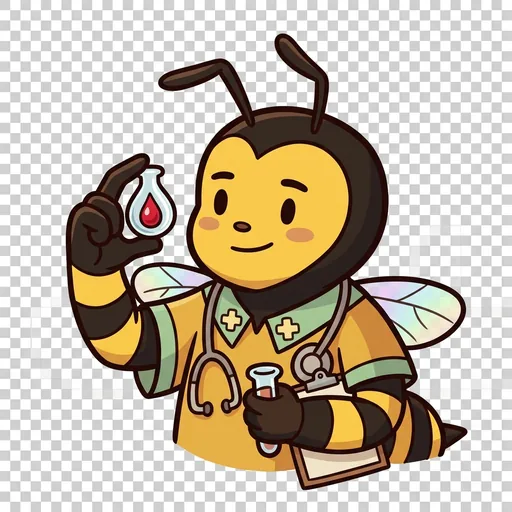
Assay
Diagnostics — one tiny drop carries news of the whole body
Read chapter →

Flutter
Vital signs — count the heartbeat, the breath, the warmth
Read chapter →
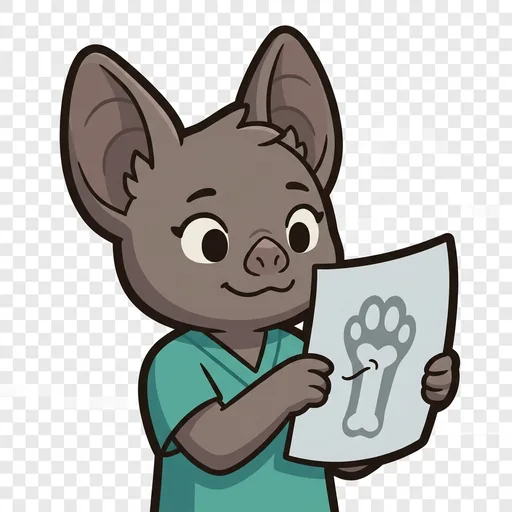
Glimpse
Imaging — see the hidden shape without cutting (read the shadow-picture)
Read chapter →

Hale
Preventive care — the best care happens before anyone is sick
Read chapter →

Suture
Mending — steady hands, tiny stitches; patience, not force
Read chapter →
Browse all chapters → · What's distributed-narrative methodology? →
What's inside
Patient Intake
When an animal arrives, listen to the owner describe what is wrong. Check the pet's file and prepare for the examination.
Examination Room
Use real vet tools to examine your patient. Take their temperature, check their heart rate, look in their ears and eyes, and feel for any lumps or sore spots. W
Lab and Diagnostics
Run blood tests, take X-rays, and analyze samples under the microscope. Compare results to normal ranges to figure out what is wrong.
Treatment
Choose the right treatment based on your diagnosis. It might be medicine, bandaging, surgery, or rest. Follow up with your patient to make sure they are getting
Mentored by Dr. Fern — on-device AI, no data leaves the device.
How CreatureCare handles your kid's data
- ✅ All progress, settings, and AI-generated content stays on the device
- ✅ No analytics, no tracking, no third-party SDKs
- ✅ Free — no ads, no in-app purchases
- ✅ No personal information collected from children — in line with COPPA (updated by the 2026 FTC amendments)
- ✅ No chat with strangers — play-together rooms use a short code and preset emotes, never typed messages
CreatureCare runs on ForgeKit — the open-source Swift Package Manager framework that powers every Spark & Anvil app. ForgeKit ensures consistent accessibility, COPPA compliance, and design language across the portfolio, so your kid's progress and preferences feel coherent across every app they touch.
Coming to the App Store
CreatureCare is in active development. Email us to hear when it ships — no marketing, no spam, just a one-shot launch announcement.
Email me at launch


