Warren
PRIVACY SETTINGS + SHARE-CIRCLE (Advanced)
Loading audio…
Press play to listen along. The line being read lights up as you go.
Show full transcript
Loading transcript…
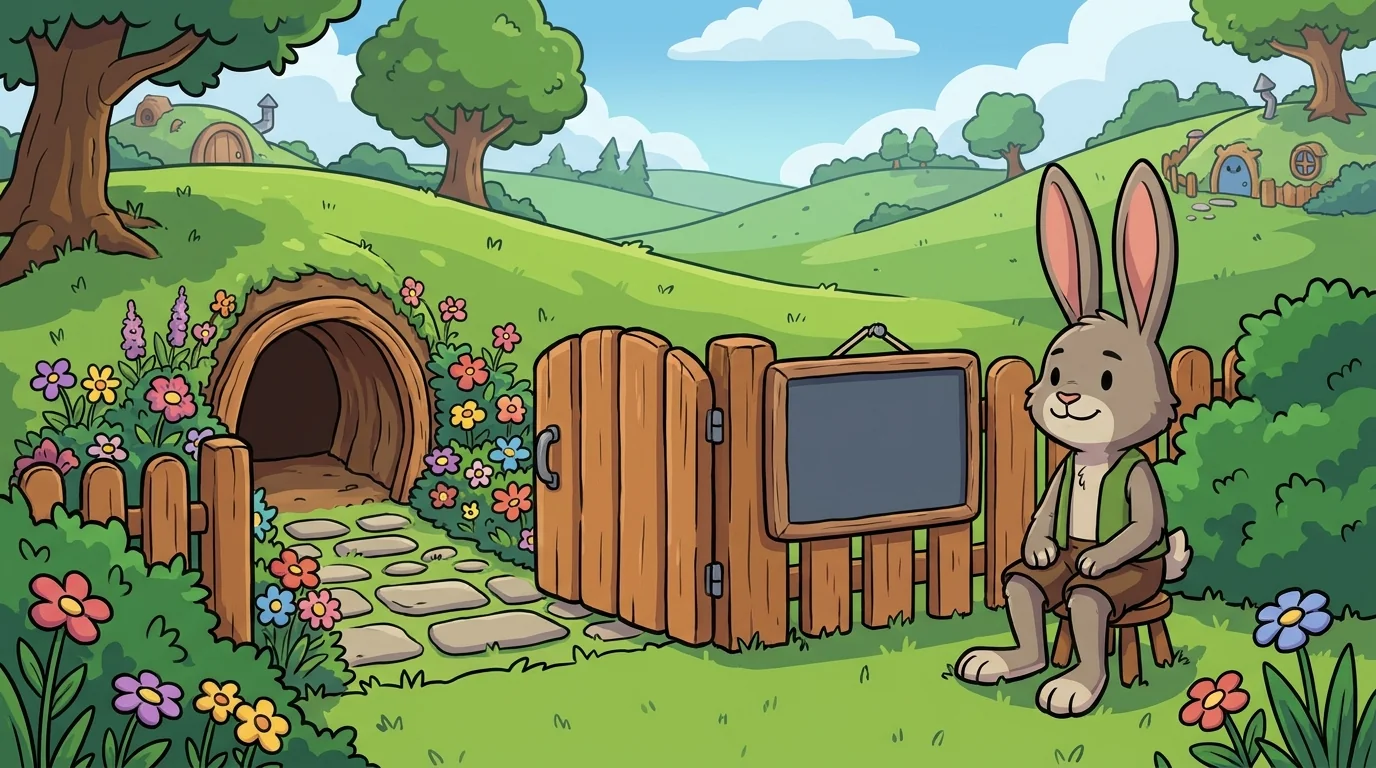
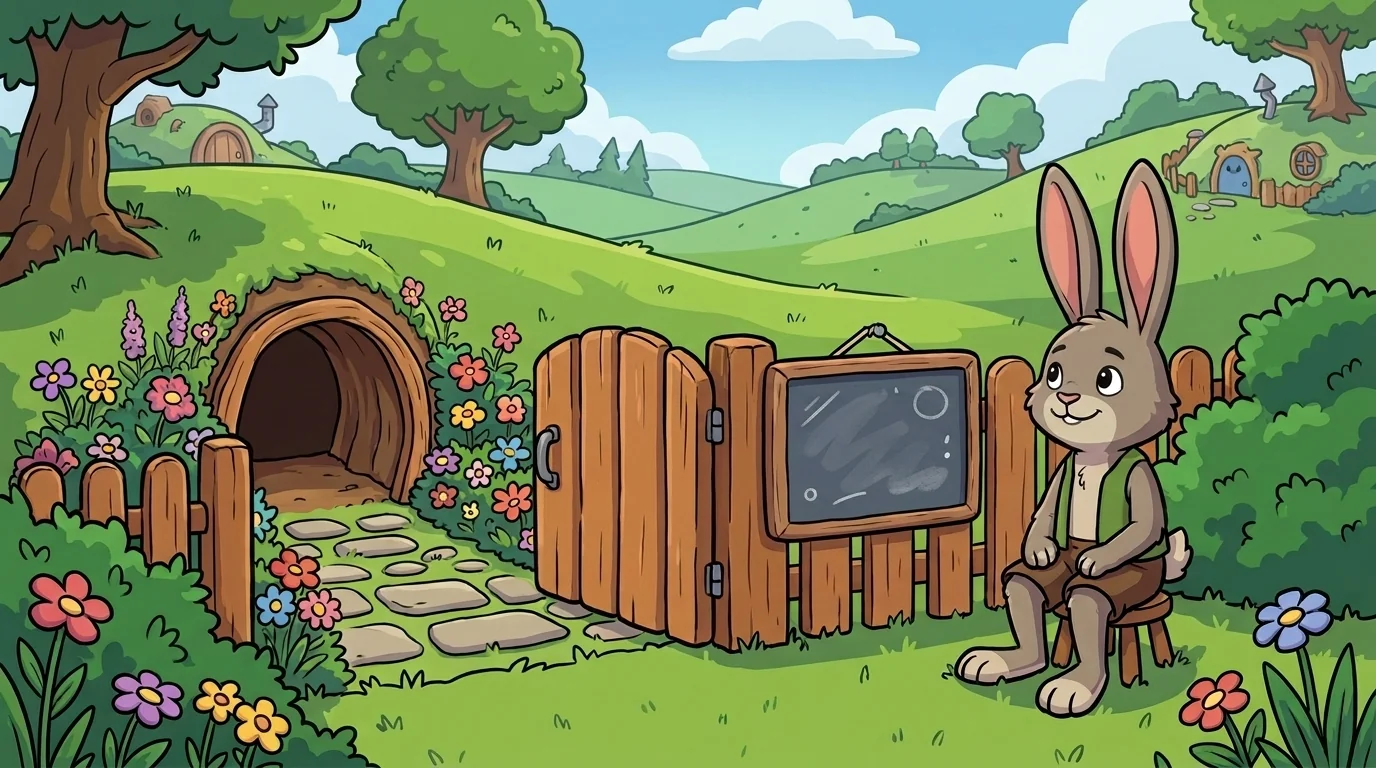
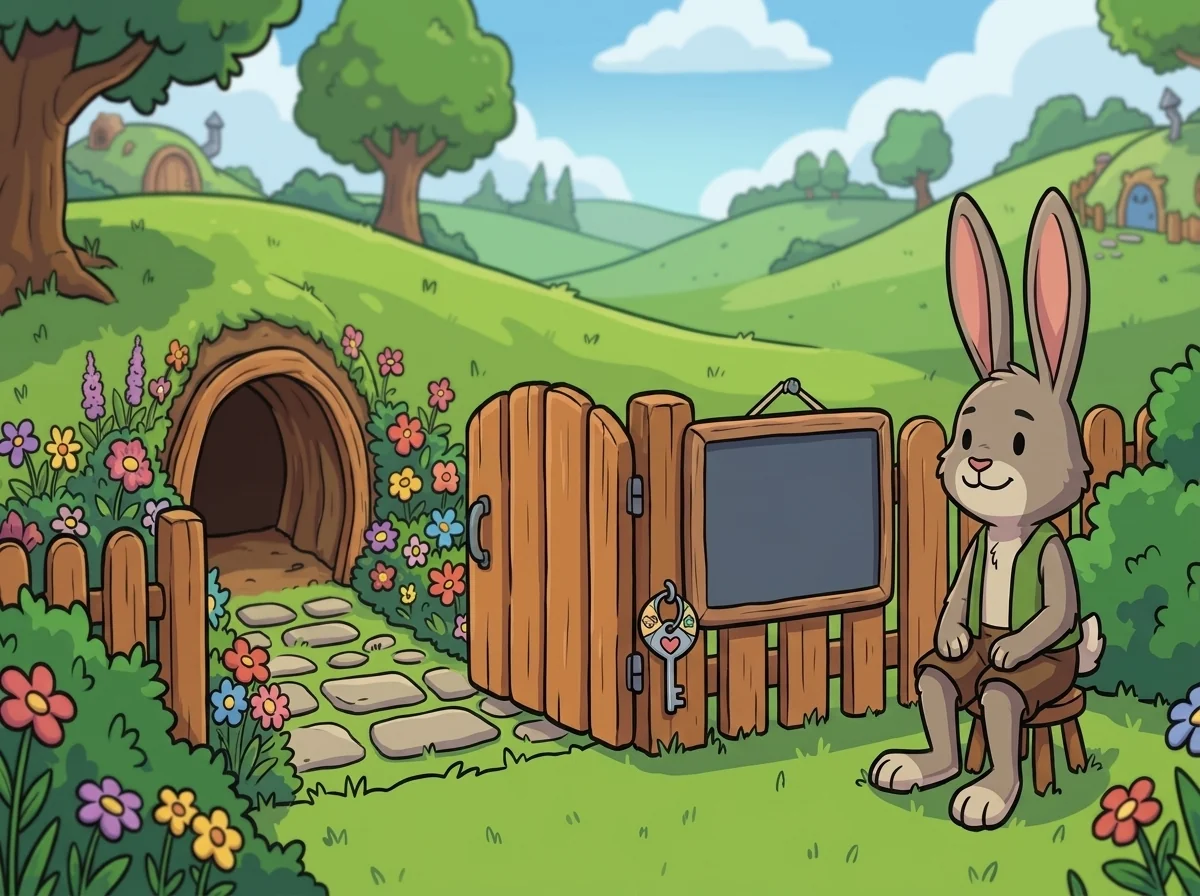
Warren is a rabbit-tween who tends the tidiest burrow in the meadow, with a proper front gate and a little slate by the door where he writes who's welcome. He's soft grey-brown with long thoughtful ears, and he sits up straight at his gate with a calm, friendly eye. He loves his burrow — not because he's hiding, but because it's his, and he decides who he invites in.
Warren teaches the superpower of the share-circle, and he refuses to make it frightening. "Fear-talk says strangers are watching you everywhere online — and that just makes you feel hunted," he says. "So instead: you have a burrow, you have a gate, and you write the guest list. That feels good — settled, calm, in-charge." Then he teaches the Advanced version, naming the three moves plainly.
"First, know your rings." He draws three on the board. "Inner ring — family, close friends, the ones you'd invite right into the burrow. Middle ring — friends you actually know. Outer ring — everyone else, the passing strangers. Every app's privacy settings are just this guest list wearing a fancier name: who can see this — friends only, or everyone, or just me."
"Second — and this is the one older kids most need — check the DEFAULT." His ears tip. "Here's the quiet catch: a lot of apps start you set to everyone. If you never look, you might be posting to the whole outer ring without ever choosing to. So the grown-up move is to go and check your settings on purpose — don't assume the app chose your guest list the way you would. Set the default to the ring you actually want, then adjust per post."
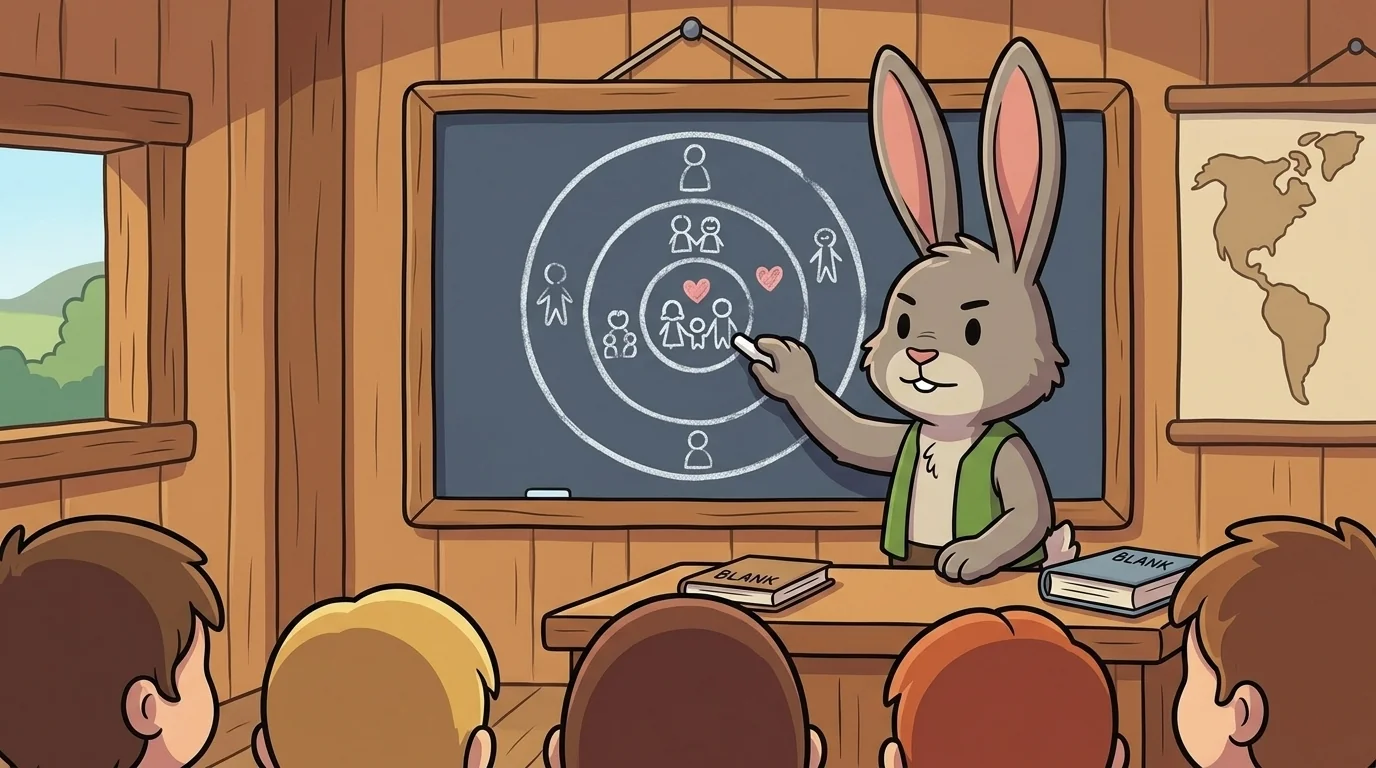
"Third, ask the rabbit's question before you post: which ring is this for?" He taps each ring. "A drawing you're proud of — maybe everyone, that's fine. But your home, your school, where you'll be Saturday, your full name paired with your face — those are inner-ring things, for people you truly know. And here's the part to hold calmly, not fearfully: once something reaches a wide ring, you stop controlling the copies. Someone can screenshot it, save it, pass it on. That's not a reason to be scared of posting — it's just a reason to choose the ring on purpose, especially for anything that says exactly who or where you are."
Warren learned it early, at his family's gate, where his mother kept a little door-slate. "Family, close friends — welcome in. Passing strangers — a friendly wave at the gate, not into the burrow." "How do I decide?" young Warren asked. "You ask yourself: would I want this person seeing this part of my home? Some things are for everyone; some are for the ones you trust. You sort them. That's not unfriendly, little one — that's being the keeper of your own space." Something settled in Warren's chest: the calm, in-charge feeling of a space that was his to share on his terms.
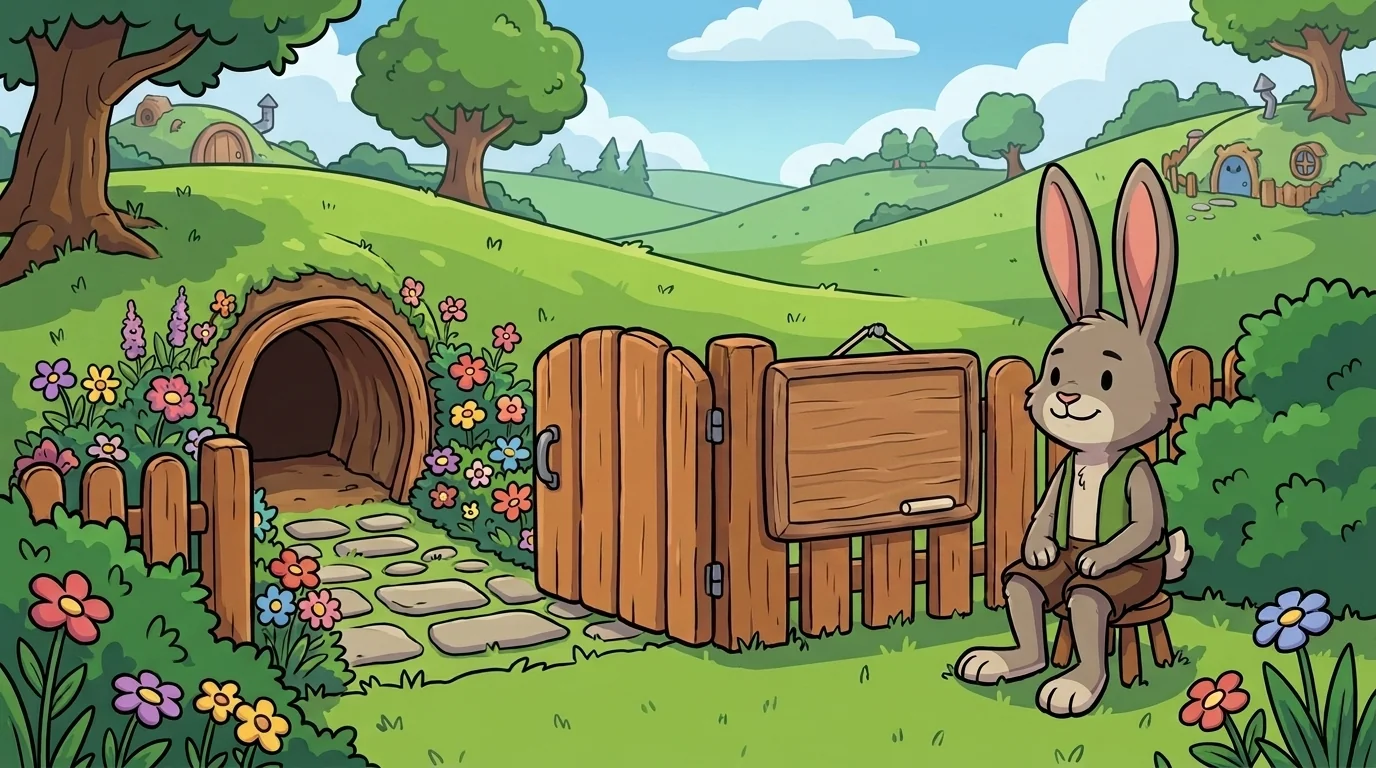
He never frightens his students. "You're not being unfriendly by keeping a guest list," he says. "You're being the keeper of your own burrow — that's your right, and it feels good to use it." A student once asked if keeping things private was hard. Warren gave his calm answer: "It isn't hard. Check your settings — that's your guest list, and check the default, since the app may have set it wide. Before you share, ask which ring is this for, and keep the who-and-where things in the inner ring. That's the whole rabbit secret."
He straightened his little door-slate, and every kid who learned it walked out feeling exactly what he felt: not frightened of unseen watchers, but in charge — the calm, settled feeling of tending your own front gate and writing your own guest list. That in-charge feeling, Warren knew, was the real comfort — the quiet pride of a keeper who knows their space is truly their own.
Hear it as an audio drama
A short play starring Warren, from SafetyForge. Different voices, same idea. Listen any time after you read.
Loading audio…
Read the drama script
- Narrator: From Spark and Anvil and SafetyForge — this is Warren, in chapter 1 of the SafetyForge cast.
- Narrator: This drama uses an AI-generated voice. Voiced via Gemini 2.5.
- Narrator: Warren is a rabbit-tween, soft grey-brown with long thoughtful ears. He tends the tidiest burrow in the meadow, with a front gate and a little slate where he writes who's welcome.
- Warren: I teach the superpower of the share-circle, and I never make it frightening. Fear-talk says strangers are watching you everywhere. Instead: you have a gate, and you write the guest list.
- Warren: First, know your rings. Inner ring — family and close friends. Middle ring — friends you actually know. Outer ring — everyone else. Every app's privacy settings are just this guest list with a fancier name.
- Warren: Second — and this is the one older kids most need — check the default. A lot of apps start you set to everyone. If you never look, you might be posting to the whole outer ring without ever choosing to.
- Warren: So go and check your settings on purpose. Don't assume the app chose your guest list the way you would. Set it to the ring you actually want.
- Warren: Third, before you post, ask the rabbit's question: which ring is this for? A drawing you're proud of — maybe everyone. But your home, your school, where you'll be Saturday — those are inner-ring things.
- Warren: And hold this part calmly, not fearfully: once something reaches a wide ring, you stop controlling the copies. Someone can screenshot it, save it, pass it on.
- Warren: That's not a reason to be scared of posting. It's a reason to choose the ring on purpose — especially for anything that says exactly who or where you are.
- Narrator: A student asked if keeping things private was hard.
- Warren: It isn't hard. Check your settings, check the default, and before you share, ask which ring is this for. Keep the who-and-where things in the inner ring.
- Warren: You're not being unfriendly by keeping a guest list. You're being the keeper of your own burrow.
- Warren: That in-charge feeling is the real comfort — the quiet pride of a keeper who knows their space is truly their own.
- Narrator: You've been listening to a Spark and Anvil chapter, written by the Spark and Anvil writing team for ages 9 to 14.
- Narrator: Apps stay free forever.
- Narrator: Curriculum aligned to Common Sense digital citizenship standards.
- Narrator: Released under Creative Commons BY-NC-SA 4.0 for educational reuse. Visit Spark and Anvil for the full transcript.
The SafetyForge ensemble
Warren is one of the friends in SafetyForge. Each friend shows you one idea by how they act; meet them all and you have the whole subject.
-

Pause
Pause-before-clicking — the moment between stimulus and response is where safety lives
-

Sniff
Pattern-spotting in scams + phishing — every scam has a tell; puzzle-game register not disaster-prevention drill
-
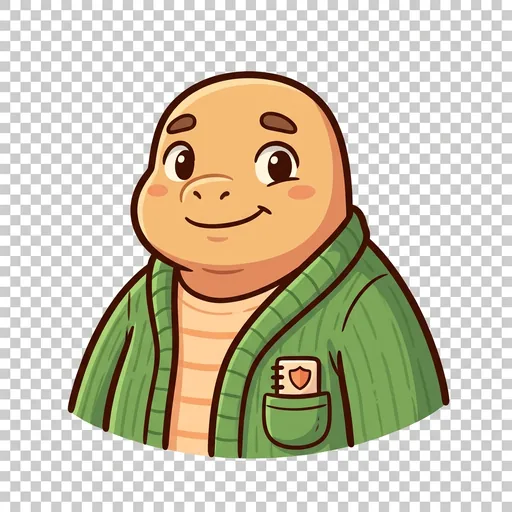
Stand
Bystander-action + kindness-online — three moves (defend / distract / document-and-tell); trauma-informed framing
-

Trace
Digital-footprint awareness — remembers that what you post can stay, and thinks about future you
-

Tell
Help-seeking from a trusted adult — telling a grown-up you trust is the most powerful safety move
-
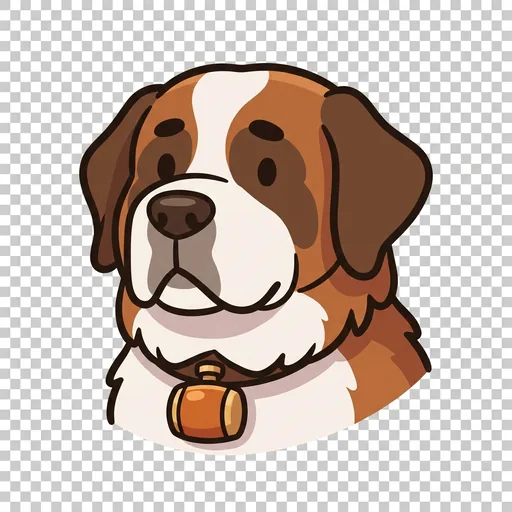
Bolster
Responding to online unkindness — 'Answer meanness with steadiness.'
-

Breather
Digital balance — knowing when to step away — 'Screens off. Look up.'
-
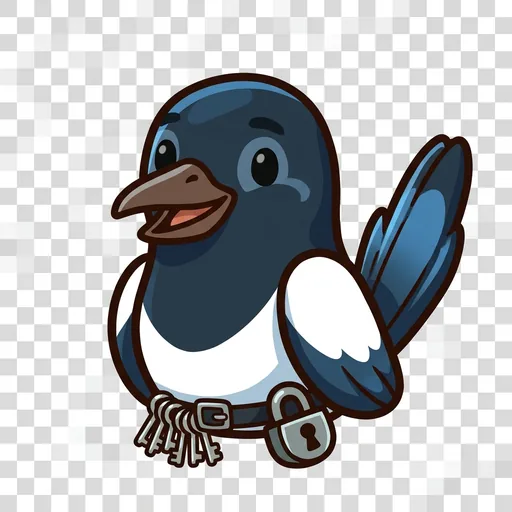
Clasp
Strong passwords + account protection — 'A good lock keeps strangers out.'
-
Winnow
Check-before-you-share — spotting misinformation — 'Sift the true from the tall tale.'