STEM
PingForge
The internet isn't a cloud — it's real machines with real addresses, and your data hops between them one router at a time. Type a name and DNS finds the number; send a packet and watch it hop across routers on a TTL budget; hit a cache, a handshake, a firewall. Predict each step, then trace the whole route yourself. All exact, all on your device. Ages 9–14.
▶ Play it nowBuilt for sittings of about 20 minutes on the screen. That is our design budget, not a measurement.

Meet your mentor
Every Spark & Anvil app has a friendly mentor character that demonstrates, asks, and patiently scaffolds learning.
#1f7a8c Characters who teach
Meet the cast
PingForge's cast are the pieces of the internet a request meets on its way — real machines and rules, not a magic cloud. A Packet carries your data toward an address; Routers forward it hop by hop; DNS turns a name into that address; a TTL hop-budget keeps a lost packet from wandering forever; a Handshake says hello before any data; a Cache keeps a nearby copy to save the long trip; and a Firewall allows or blocks each packet by its port. Every value is exact, computed on-device by a deterministic routing engine.
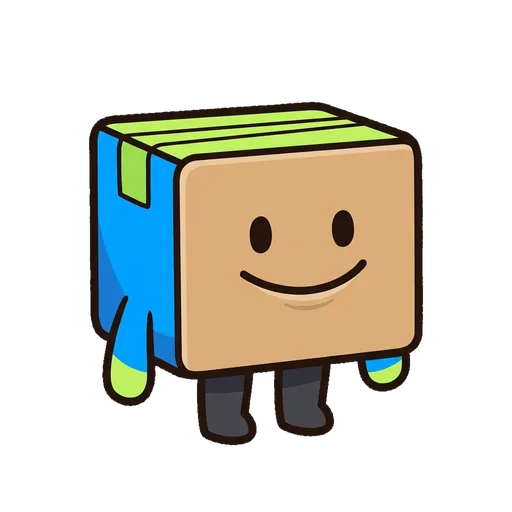
Packet
The little bundle carrying your data toward an address
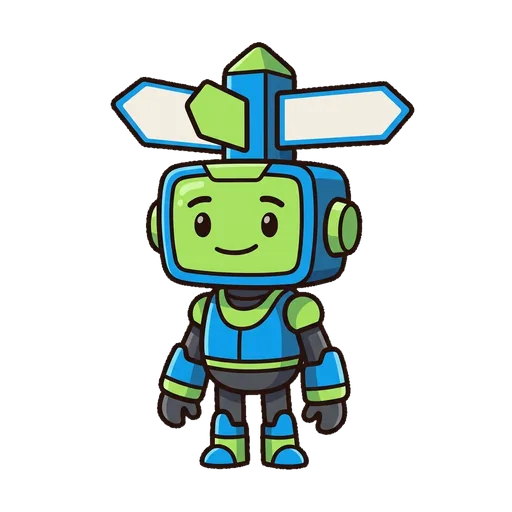
Router
A crossroads that reads each packet's address and forwards it one hop closer

DNS
The phone book that turns a site's name into its numeric address
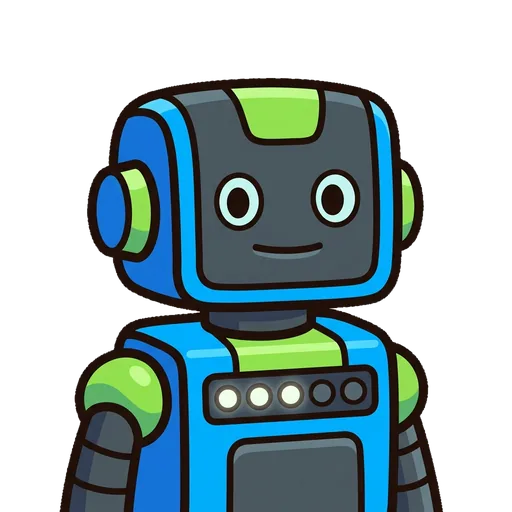
TTL
The packet's hop budget — it drops by 1 each hop, so a lost packet can't wander forever
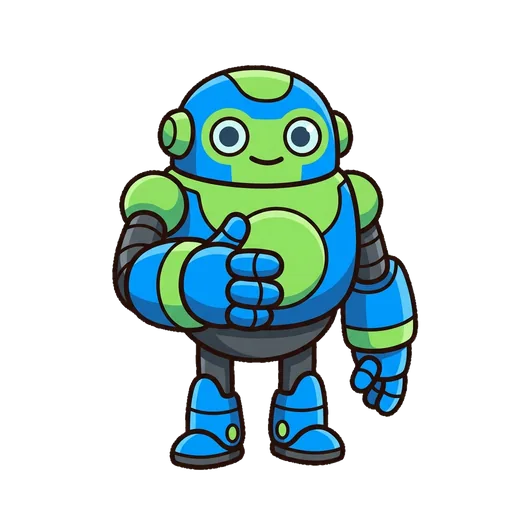
Handshake
The quick hello (SYN, SYN-ACK, ACK) before any real data is sent
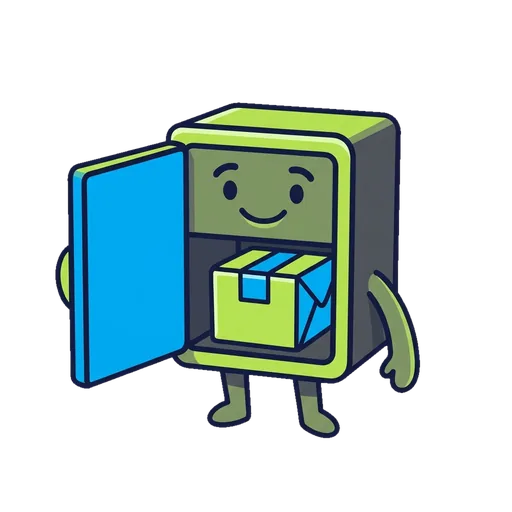
Cache
A nearby copy that saves the long trip to the far server
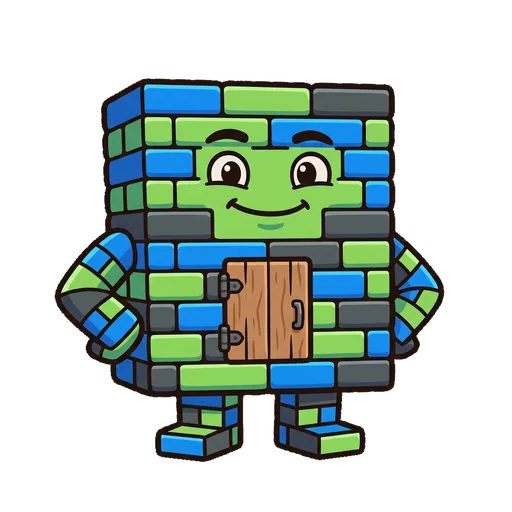
Firewall
The gatekeeper that allows or blocks each packet by its port
What's inside
Learning goal
The internet isn't a cloud — it's real machines with real addresses, and your data hops between them one router at a time. Type a name and DNS finds the number; send a packet and watch it hop across routers on a TTL budget; hit a cache, a handshake, a firewall. Predict each step, then trace the whole route yourself. All exact, all on your device. Ages 9–14.
How PingForge handles your kid's data
- ✅ All progress, settings, and AI-generated content stays on the device
- ✅ No analytics, no tracking, no third-party SDKs
- ✅ Free — no ads, no in-app purchases
- ✅ No personal information collected from children — in line with COPPA (updated by the 2026 FTC amendments)
- ✅ No chat with strangers — play-together rooms use a short code and preset emotes, never typed messages