Academics
ScreenForge
Design the app before you code it. Read a little screen’s code (a Text, a Toggle, an if, a Button), see the screen it makes, then TAP a control and predict the new screen. A screen is just the view re-reading its state — and a tap is an action that changes that state. Add, set, toggle; an if shows a line only when its test is true. A design-and-see lab. Ages 9–14.
▶ Play it nowBuilt for sittings of about 20 minutes on the screen. That is our design budget, not a measurement.

Meet your mentor
Every Spark & Anvil app has a friendly mentor character that demonstrates, praises, and patiently scaffolds learning. On-device AI personalizes the mentor's responses to your kid's progress — never connecting to a server, never collecting data.
#4f46e5 Distributed-narrative cast
Meet the cast
ScreenForge's screen crew read a screen row by row, so you know what a tap will show.
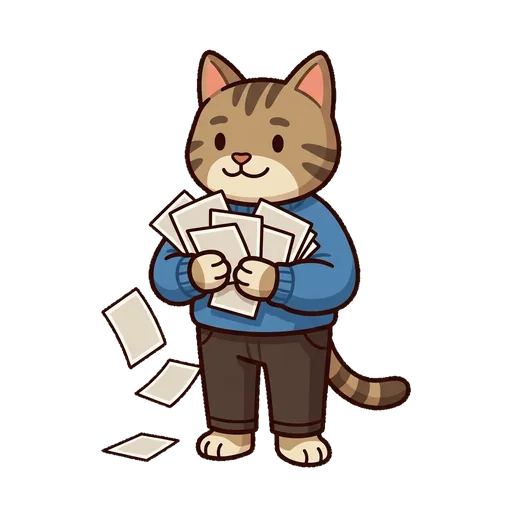
Tabby
(The one you teach) - crams the whole screen into one look — you teach her to read it row by row
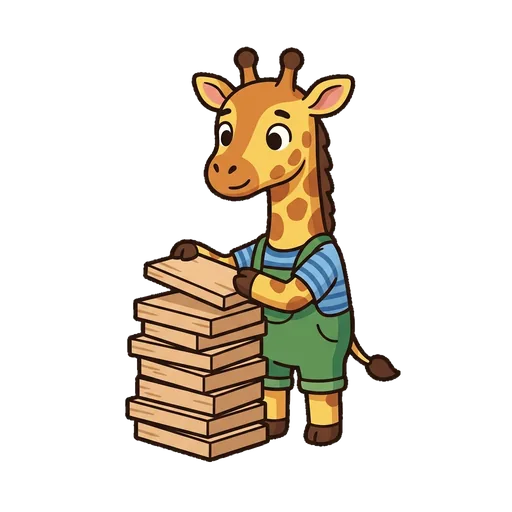
Stackwell
reads the screen top to bottom, row by row
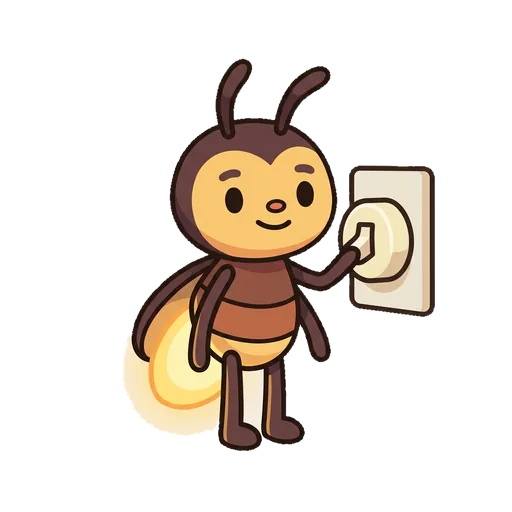
Switchel
flips a value on and off

Nametag
follows a button to the one value it changes
What's inside
Learning goal
Design the app before you code it. Read a little screen’s code (a Text, a Toggle, an if, a Button), see the screen it makes, then TAP a control and predict the new screen. A screen is just the view re-reading its state — and a tap is an action that changes that state. Add, set, toggle; an if shows a line only when its test is true. A design-and-see lab. Ages 9–14.
Question kits
16 curriculum-aligned kits × 25 questions = 400 questions per app, mapped to recognized standards.
On-device AI mentor
FoundationModels-powered hints, feedback, and adaptive difficulty — all running locally.
How ScreenForge handles your kid's data
- ✅ All progress, settings, and AI-generated content stays on the device
- ✅ No analytics, no tracking, no third-party SDKs
- ✅ No ads, no in-app purchases — you pay once
- ✅ No personal information collected from children — in line with COPPA (updated by the 2026 FTC amendments)
- ✅ Parental controls + session limits + content filters built in
ScreenForge runs on ForgeKit — the open-source Swift Package Manager framework that powers every Spark & Anvil app. ForgeKit ensures consistent accessibility, COPPA compliance, and design language across the portfolio, so your kid's progress and preferences feel coherent across every app they touch.
Coming to the App Store
ScreenForge is in active development. Email us to hear when it ships — no marketing, no spam, just a one-shot launch announcement.
Email me at launch