Academics
NewsForge
Run a digital newsroom — investigate stories through primary sources, evaluate credibility under deadline pressure, design data visualizations, produce multimedia reports, and compete to be first with accurate news in a world full of misinformation.
▶ Play it nowBuilt for sittings of about 20 minutes on the screen. That is our design budget, not a measurement.

Meet your mentor
Every Spark & Anvil app has a friendly mentor character that demonstrates, asks, and patiently scaffolds learning. On-device AI personalizes the mentor's responses to your kid's progress — never connecting to a server, never collecting data.
Mentored by Scoop


#4A6FA5 NewsForge puts you in charge of a digital newsroom! Investigate sources, spot fake news, check facts under deadline pressure, build data visualizations, and publish your own news articles. The Editor-in-Chief -- your AI mentor -- gives you feedback on accuracy, balance, and headline quality. Learn to think like a real journalist in a world full of misinformation.
Characters who teach
Meet the cast
NewsForge's characters each teach one habit of a careful news reader and writer. Source asks who would really know, Tilt names the angle a story takes, Frame writes headlines that sum up instead of bait, Verify checks a claim by opening other sources, and Serve asks what readers need to know. Attest, Deed, Errata, Uncrop, and Widen cover naming sources, going to the original document, correcting mistakes, asking what was cropped out, and adding context. Scoop is the mentor who guides them.

Source
Source-quality evaluation — who would KNOW this best? who has a stake? source-card-comparison the routine
Read chapter →

Tilt
Bias-and-perspective detection — every story has a frame; name the frame, then read; structural NOT partisan
Read chapter →

Frame
Headline-and-framing craft — a headline is a SUMMARY not a HOOK; counter-clickbait
Read chapter →

Verify
Verification + lateral-reading discipline — SIFT (Stop, Investigate, Find, Trace); open four tabs, never one
Read chapter →

Serve
Community-information-needs framing — what does my reader NEED to know to DO something? agency-foregrounding; counter-doomscroll
Read chapter →

Attest
Attribution — who says so? every claim names its source
Read chapter →
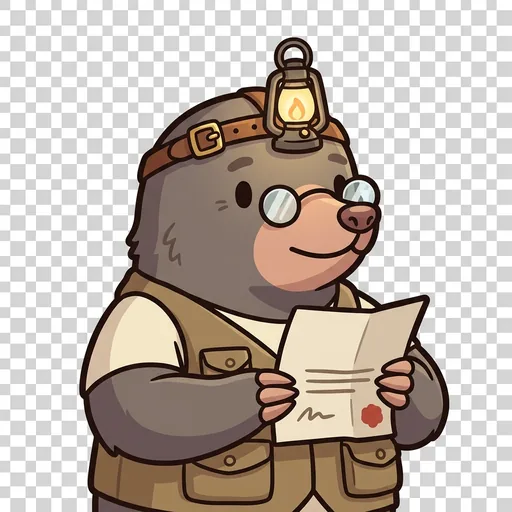
Deed
Primary source — go to the original document, not a summary of a summary
Read chapter →

Errata
Corrections — a story is living; when the facts change, the record is fixed
Read chapter →
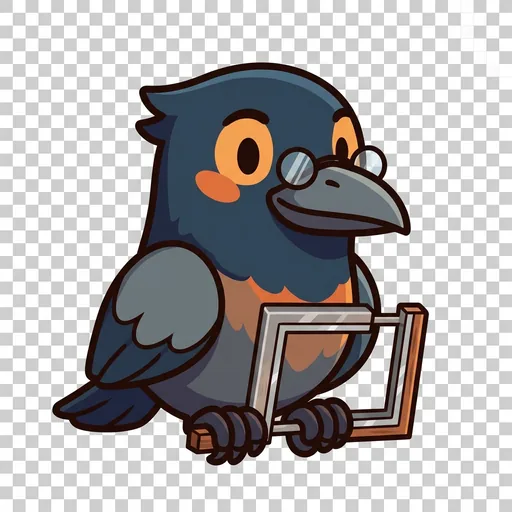
Uncrop
Framing — an image or chart is cropped; ask what sits outside the frame
Read chapter →

Widen
Context — one number means little without comparison; widen the view
Read chapter →
Browse all chapters → · What's distributed-narrative methodology? →
What's inside
Investigating Sources
When a breaking story arrives, you get a set of source cards. Each source makes a claim about the story. Your job is to figure out which sources are trustworthy
Fact-Checking
Some claims can be verified against evidence. Tap the fact-check button to compare a source's claim against available data. Mark claims as verified, misleading,
Writing Articles
Once you have investigated your sources, write your article in the editor. Create an accurate headline (no clickbait!), write a balanced lead paragraph, and bui
Data Journalism
Build charts and graphs to tell your story with numbers. Choose from bar charts, line graphs, scatter plots, pie charts, and maps. Learn to spot misleading grap
Mentored by Scoop — on-device AI, no data leaves the device.
How NewsForge handles your kid's data
- ✅ All progress, settings, and AI-generated content stays on the device
- ✅ No analytics, no tracking, no third-party SDKs
- ✅ Free — no ads, no in-app purchases
- ✅ No personal information collected from children — in line with COPPA (updated by the 2026 FTC amendments)
- ✅ No chat with strangers — play-together rooms use a short code and preset emotes, never typed messages
For you, the grown-up
Spark & Whetstone, our free site for grown-ups, tells what NewsForge teaches in a short course of its own.
NewsForge runs on ForgeKit — the open-source Swift Package Manager framework that powers every Spark & Anvil app. ForgeKit ensures consistent accessibility, COPPA compliance, and design language across the portfolio, so your kid's progress and preferences feel coherent across every app they touch.
Coming to the App Store
NewsForge is in active development. Email us to hear when it ships — no marketing, no spam, just a one-shot launch announcement.
Email me at launch


