
Before you start
Most popular
 Color Studio Tap a real 12-color wheel to build complementary, analogous, and triadic palettes that harmonize.
  Masterwork Remix Recreate famous compositions — focal point on the rule of thirds, a dramatic horizon, a balanced frame.
 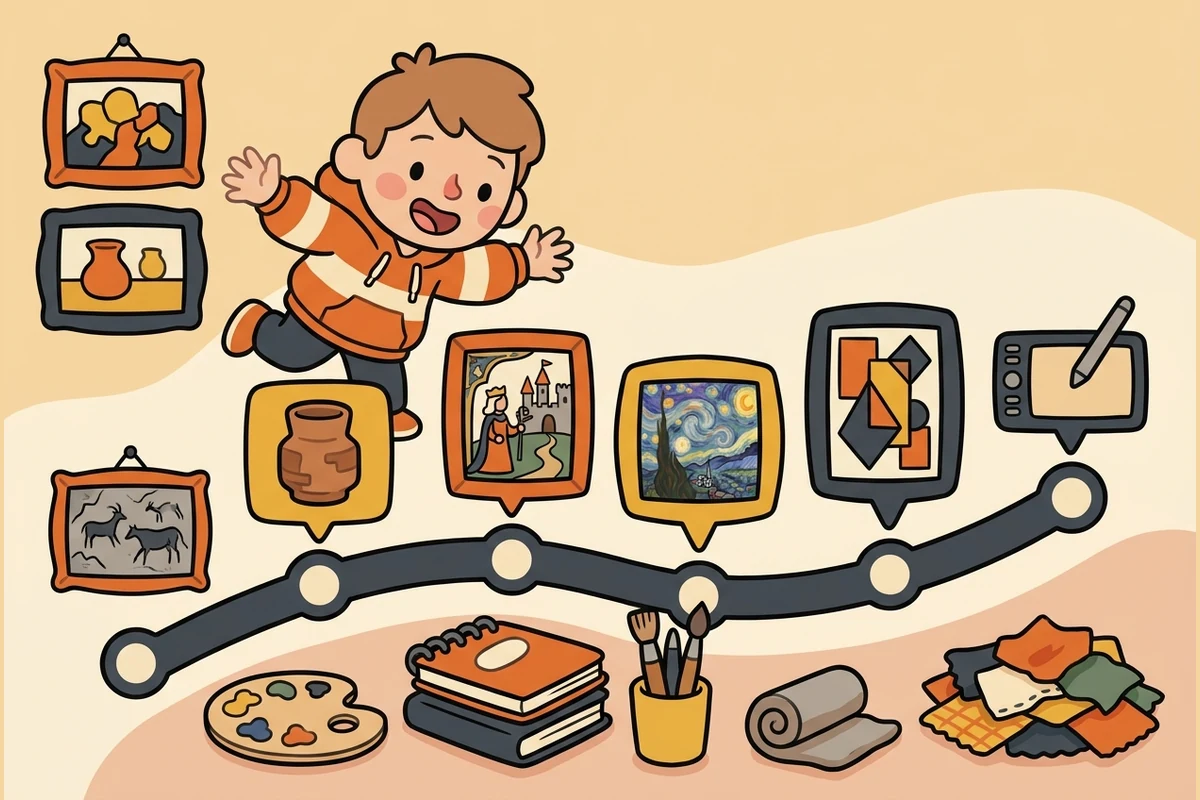 Art History Meet real masterworks — name the artist, place each on a timeline from Renaissance to Modern.
 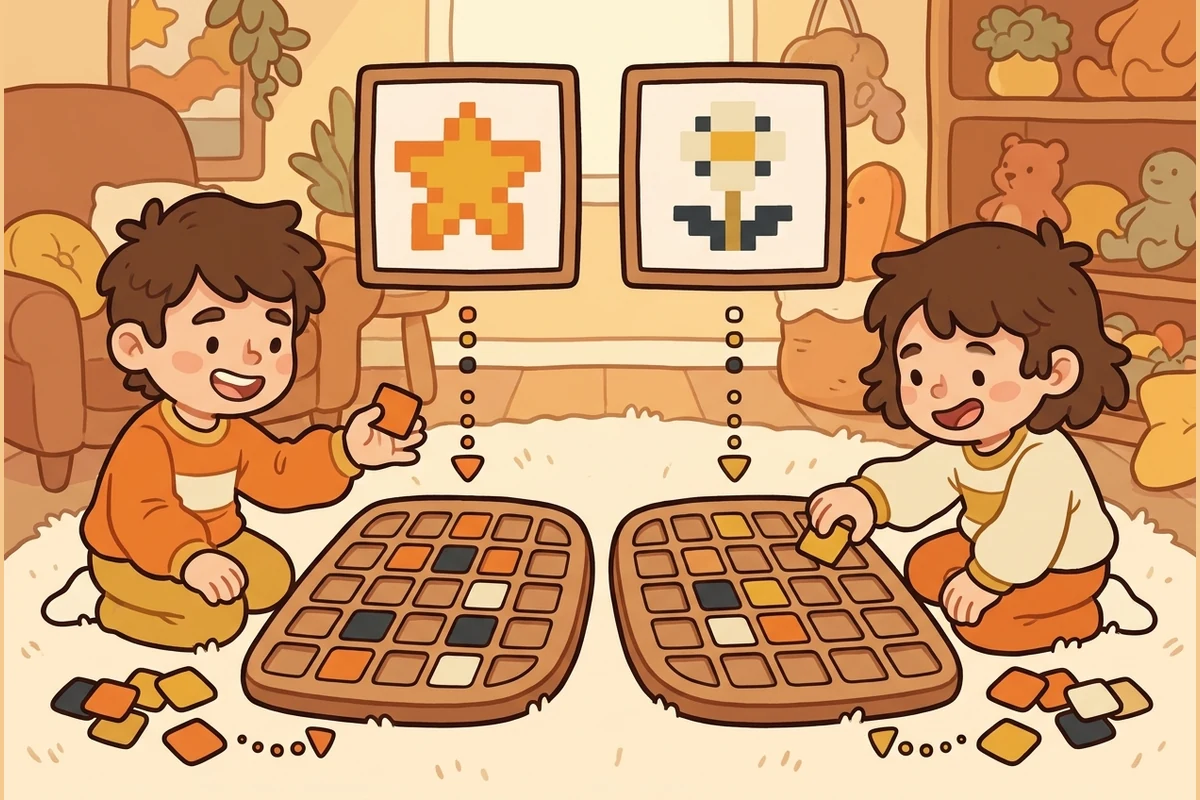 Art Duel 2–4 players take turns on one device — highest first-try score wins.
 All activities
Make & explore
Color Studio Predict how colors relate, then build complementary, analogous, triadic, and warm/cool palettes on a real wheel. Masterwork Remix Place the focal point on the rule of thirds, set a dramatic horizon, and balance the frame like famous artists did. Art History Name the artist and place each public-domain masterwork on a timeline from the Renaissance to Modern art.
Learn & practice
Mixed practice A short round that shuffles the kits you have played, resurfaced when they are ready to review. PixelForge Sprint Race your OWN best on what you already know. Timer optional, no penalty for a miss. Trick Questions Brain-teasers with a twist — spot why the obvious color or composition is a trap. Progress Your levels, streak, and how each skill area is coming along — saved on this device.
Play together
Concept Kits — 16 kits from the elements of art to synthesis
Kit 1: Elements of Art: Line, Shape & Color Elements & Foundations · 25 questions Kit 2: Color Theory & Color Mixing Elements & Foundations · 25 questions Kit 3: Principles of Design: Balance, Contrast & Rhythm Elements & Foundations · 25 questions Kit 4: Digital Art Tools & Techniques Digital & Design Tools · 25 questions Kit 5: Art History: Major Movements Art History · 25 questions Kit 6: Composition, Layout & Visual Hierarchy Elements & Foundations · 25 questions Kit 7: Typography & Branding Design Digital & Design Tools · 25 questions Kit 8: UI/UX Design & Human-Centered Design Digital & Design Tools · 25 questions Kit 9: Animation and Motion Graphics Digital & Design Tools · 25 questions Kit 10: 3D Modeling and Digital Sculpture Digital & Design Tools · 25 questions Kit 11: Illustration and Concept Art Digital & Design Tools · 25 questions Kit 12: Portfolio and Professional Practice Synthesis & Real World · 25 questions Kit 13: Cross-Topic Connections Synthesis & Real World · 25 questions Kit 14: Real-World Applications Synthesis & Real World · 25 questions Kit 15: Misconceptions & Reasoning Synthesis & Real World · 25 questions Kit 16: Advanced Synthesis Synthesis & Real World · 25 questions
For grown-ups — progress report →
More ways to play
😄 Brain break
Meet the cast — the characters who teach this
-
 Speck The single pixel — the atomic unit of pixel art; every image is a grid of these
 -
 Shade The palette ramp — a small set of colors arranged from darkest to lightest (the foundation of pixel-art shading and form)
 -
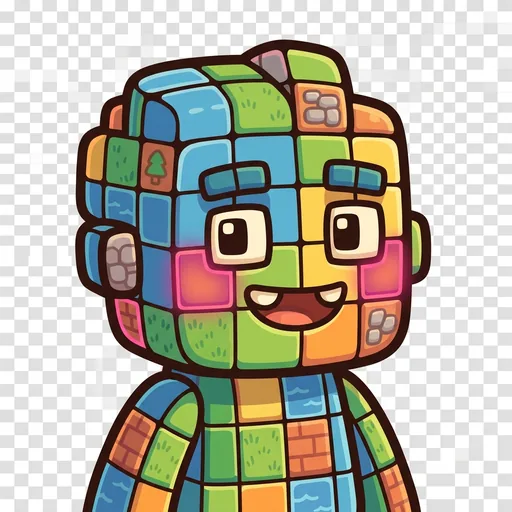 Grid The tilemap grid — pixels snapped to repeating units that form tiles, tilesets, and game maps
 -
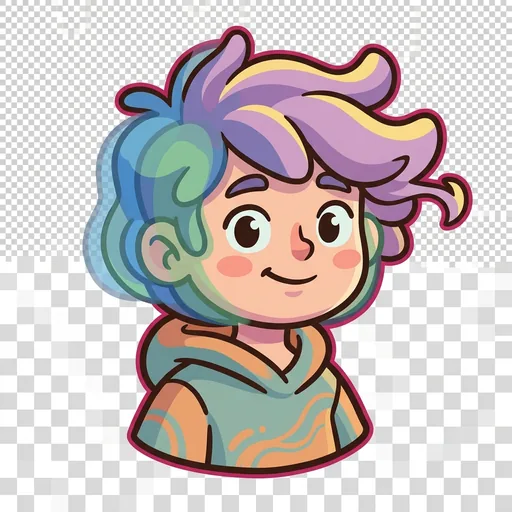 Tween The in-between frame — the animation frame that sits between two keyframes, giving motion its smoothness
 -
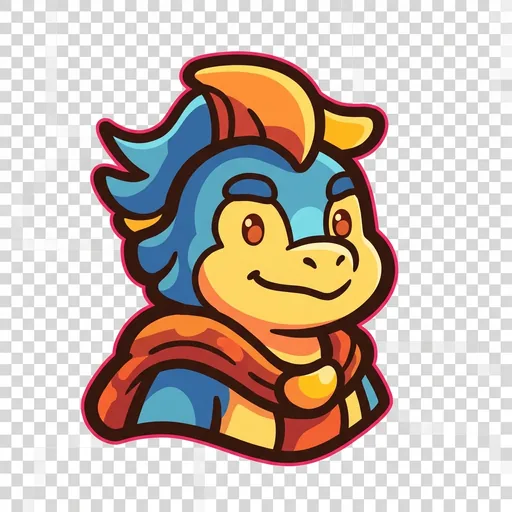 Banner The impact pose — the heroic / dramatic silhouette that reads instantly at thumbnail size (the principle that good character art is recognizable from its outline alone)
 -
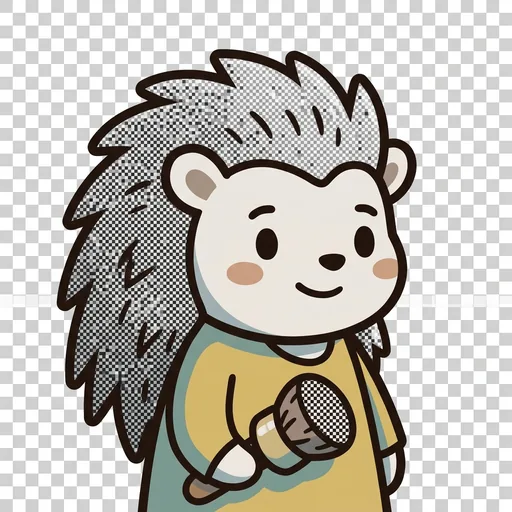 Stipple Dithering — scattering two colors in a checker pattern so your eye blends them into a third; how pixel artists fake a smooth gradient with a tiny palette
 -
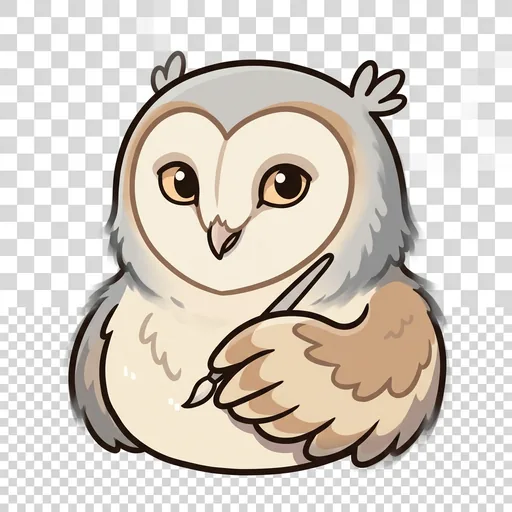 Feather Anti-aliasing — tucking a few in-between pixels along a jagged edge so a curve reads smooth instead of like a staircase
 -
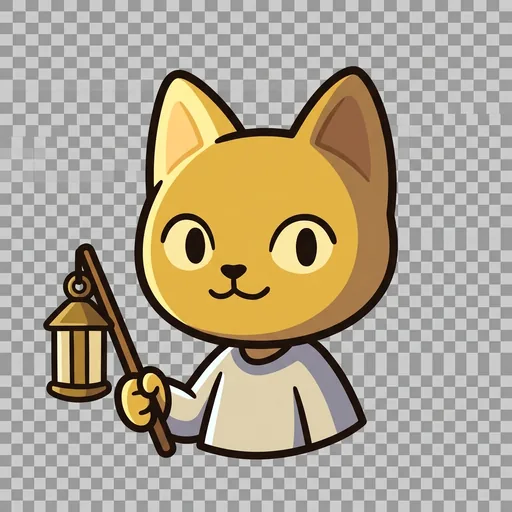 Sheen Light source and form shading — choosing where the light comes from, then placing highlights and shadows so a flat shape turns round
 -
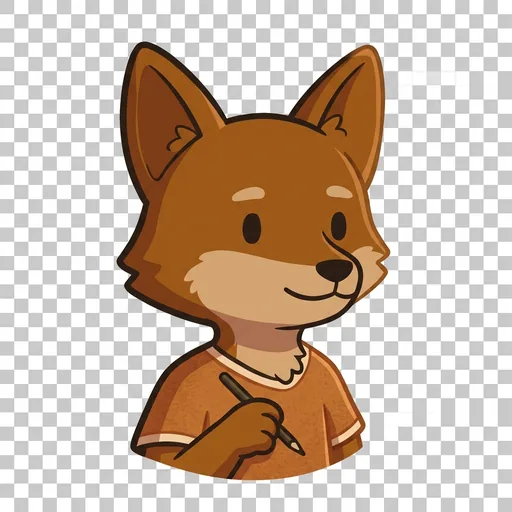 Rim Selective outlining — drawing the edge only where a sprite would get lost, so it pops from the background without looking boxed-in
 -
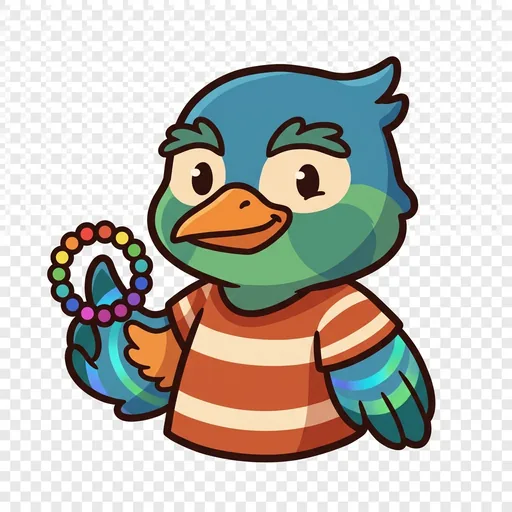 Cycle Color-cycling animation — making water and fire flow by shifting which colors sit in the palette slots, without moving a single pixel
 -
 The Sprite A finished character sprite coming to life — how placed pixels, a color ramp, chosen light, a clean outline, and smoothed edges layer together into one whole little hero
Ensemble stories — the cast together